The Story
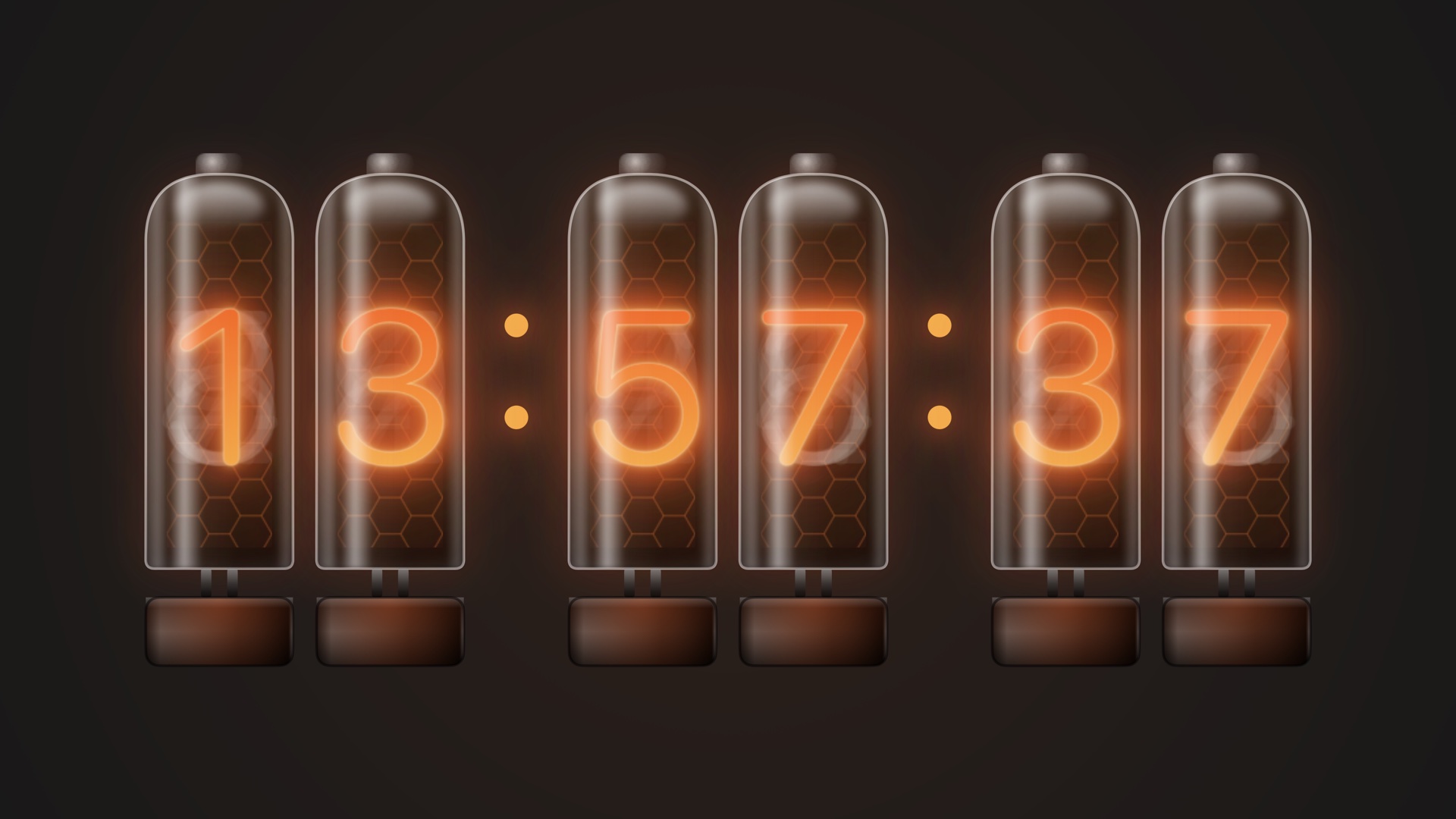
Nixie tubes were the digital displays of the 1950s and 60s: each glass vacuum tube stacks ten metal cathodes shaped 0–9, and the one that is powered glows a warm neon orange. The Nixie Tube screensaver brings that retro character to your Mac.
Every tube recreates the details of the real thing: a domed glass envelope with its evacuation tip, a honeycomb anode mesh, the unlit cathodes faintly visible behind the lit one, glass reflection streaks and an orange glow reflected on the base. Digits flicker as they warm up on every change, and every ten minutes the tubes quickly cycle through 0–9 — the trick real Nixie clocks use to prevent cathode poisoning.
Highlights
- Six Nixie tubes for hours, minutes and seconds, with layered neon-orange glow
- Glass envelope, honeycomb anode, unlit cathodes and base reflection all recreated
- Warm-up flicker on every digit change, just like a real tube lighting up
- A 0–9 cathode cycle every ten minutes, a nod to real anti-poisoning routines
Best For
For lovers of vintage electronics, vacuum tubes and industrial aesthetics. In a dim study or studio, it feels like an old Nixie clock sitting on the desk, glowing quietly and warmly.
How to Install
- 1
Download
Click the download button for your favorite screen saver.
- 2
Install
Double-click the .saver file to install it on your Mac.
- 3
Activate
Open System Settings → Screen Saver and select your screen saver.
System Requirements
- macOS 12.4+
- Dark mode support
v1.2 · 334 KB